Hypervue for unreal
documentation & guide
Project Setup
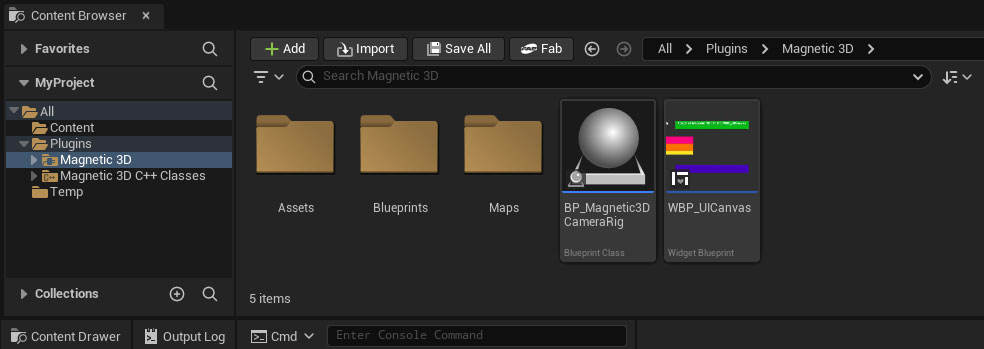
1. Open Magnetic 3D folder in Content Browser
In your Content Browser, open the new Magnetic 3D folder inside of the Plugins folder.
2. BP_Magnetic3DCameraRig
Find the BP_Magnetic3DCameraRig Blueprint Class. This will be used as your main camera.
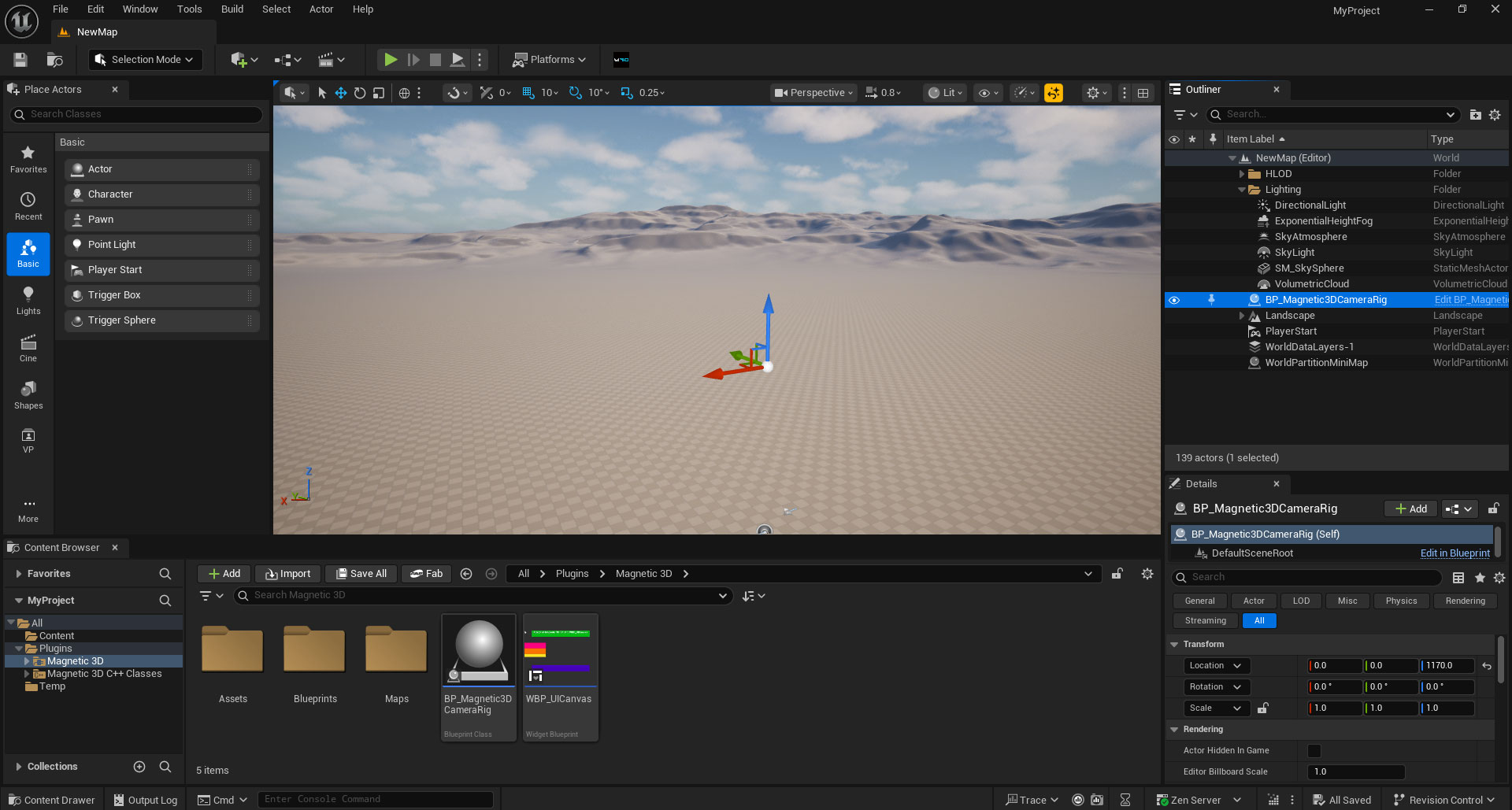
3. Add Blueprint Class to Level
Drag the BP_Magnetic3DCameraRig Blueprint Class into your level. Remove any other cameras, since this will be replacing them.
4. Create Camera Rig
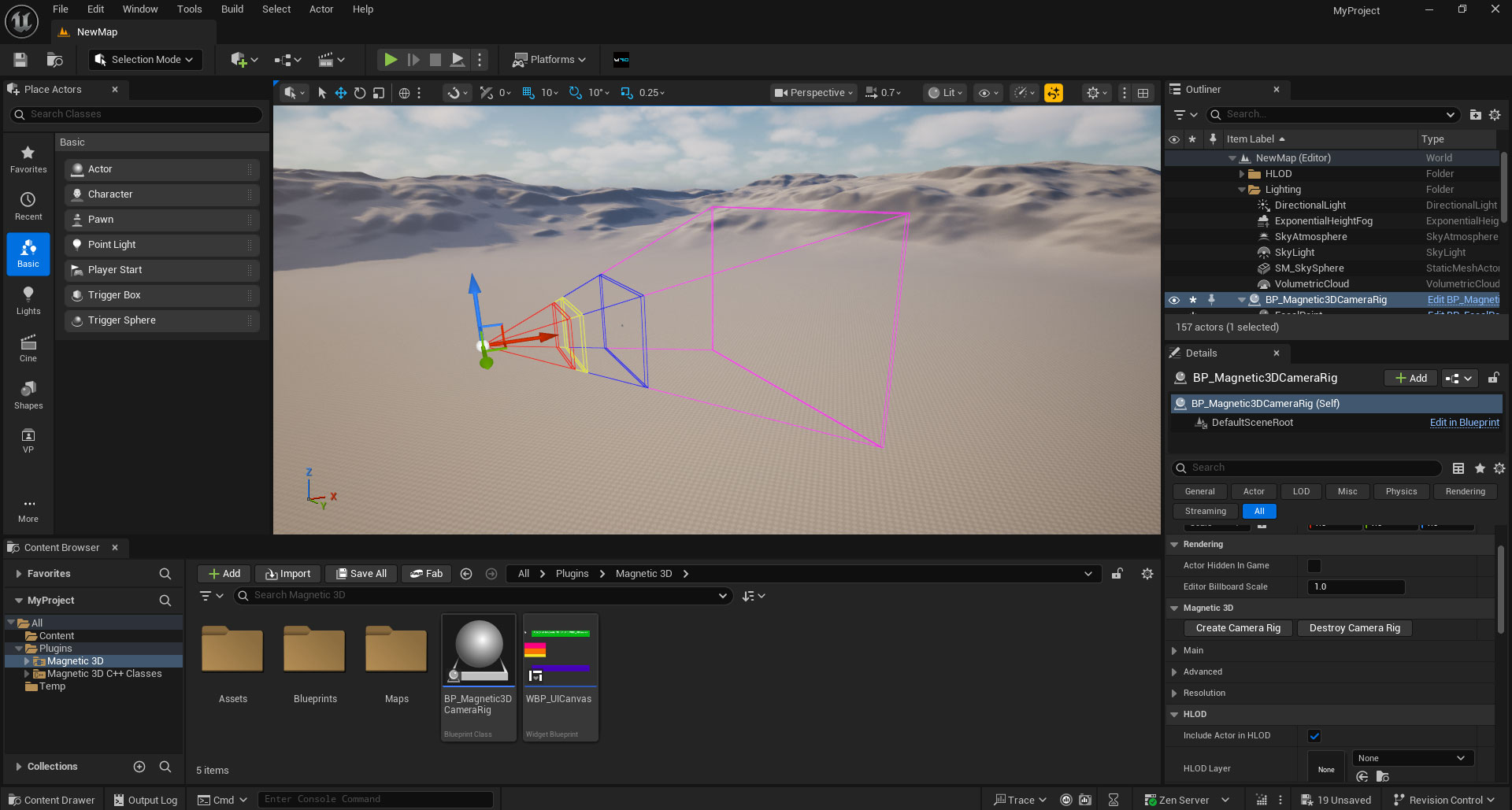
Select the BP_Magnetic3DCameraRig Blueprint Class in the Outliner. In Details, find and click on the Create Camera Rig button under the Magnetic 3D settings.