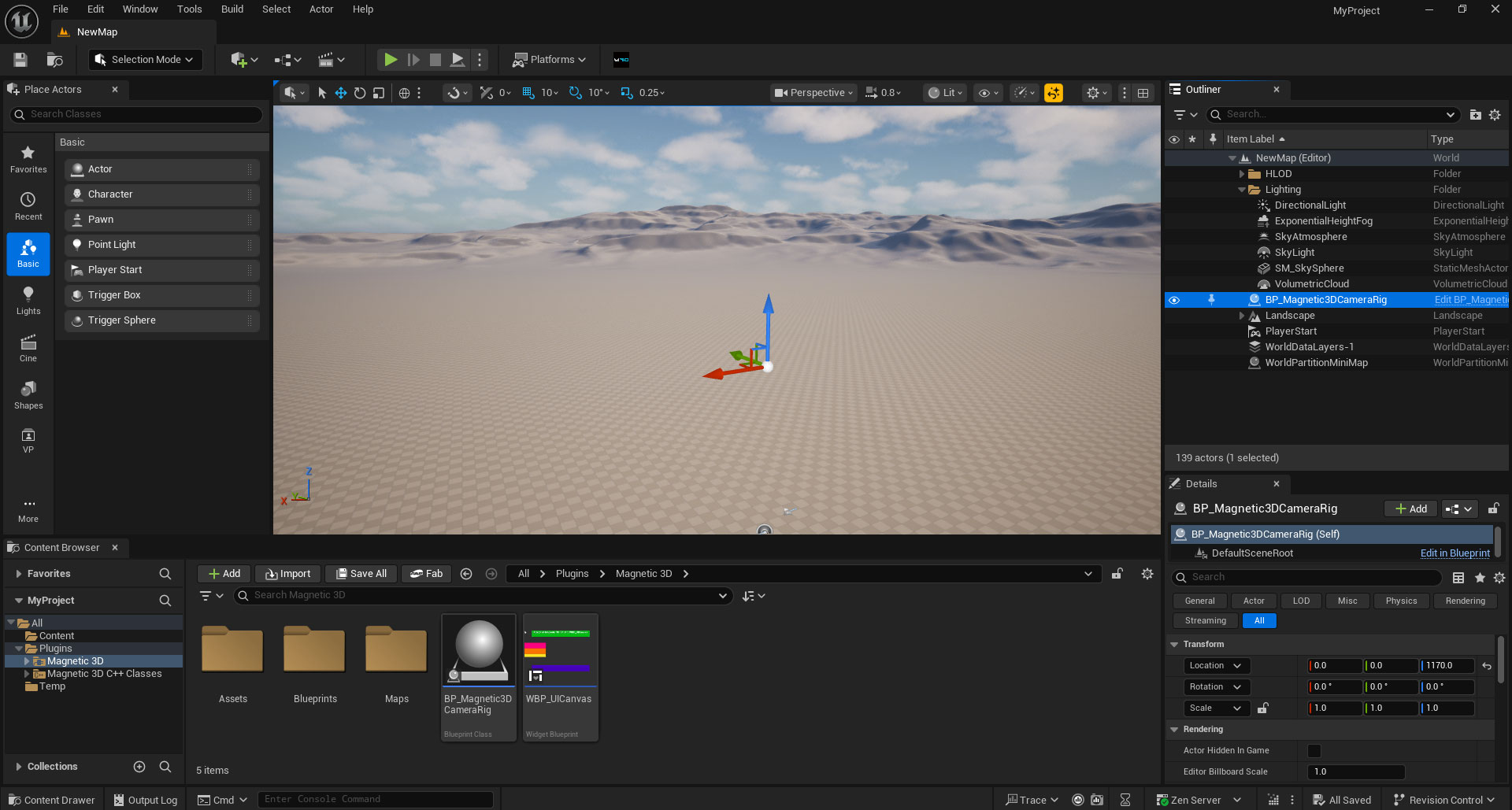
Hypervue for unreal
documentation & guide
license
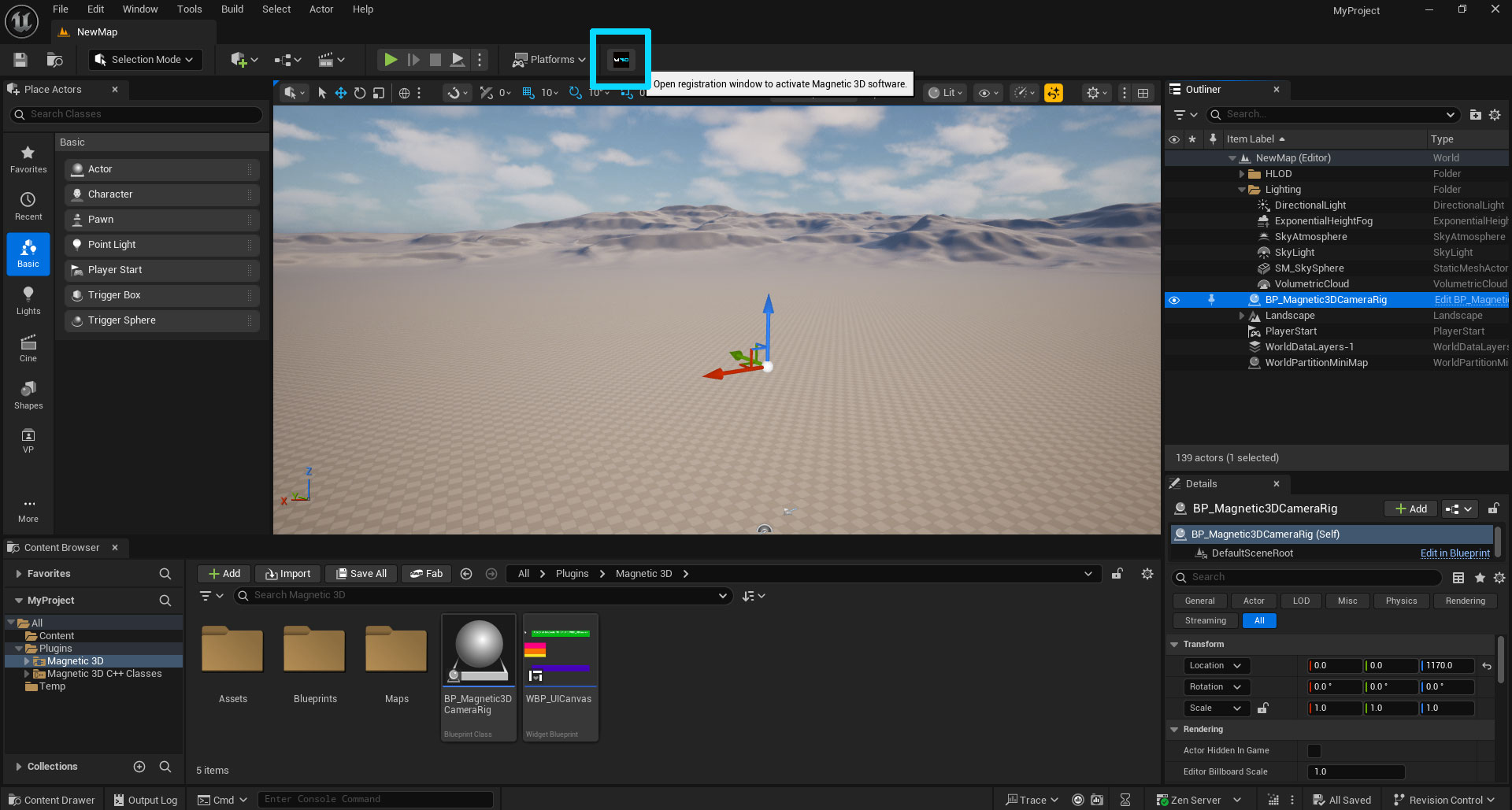
1. Open License Menu
With your Unreal project opened, go to the M3D icon in the top menu bar, to the right of the Play button. Click on the icon to open the License Menu.
2. Enter License Key
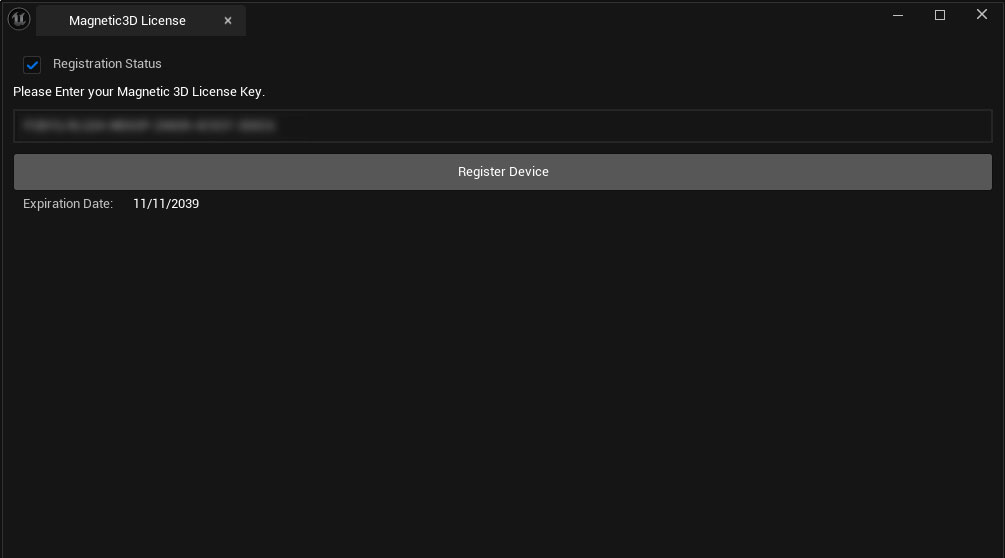
Enter your License Key and click Register Device to activate the plugin.
3. Finish
Close the License Menu. You are now ready to start using the plugin.