Hypervue for unity
documentation & guide
Project Setup
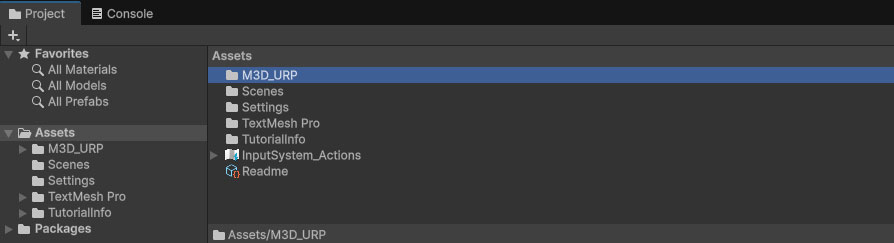
1. Open M3D folder in Assets
In your Assets in the Project window, open the new M3D folder (M3D_URP / M3D_HDRP).
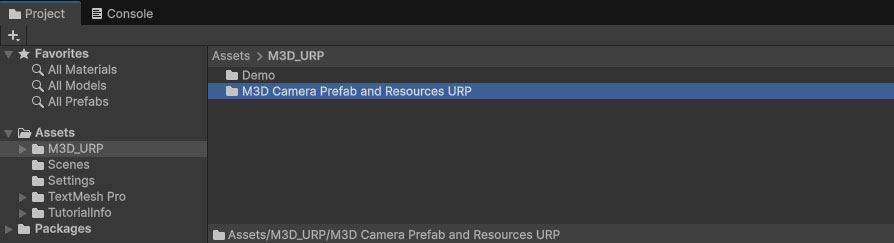
2. Open M3D Camera Prefab and Resources Folder
Then open the M3D Camera Prefab and Resources folder.
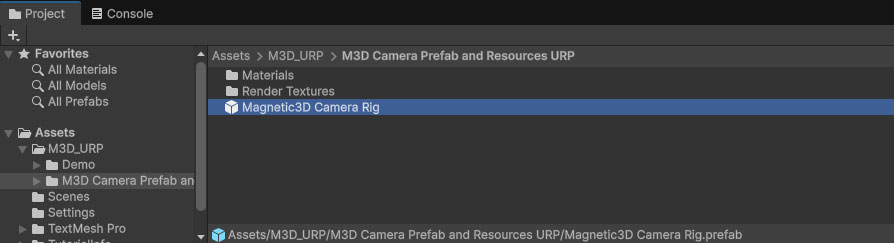
3. Magnetic 3D Camera Rig Prefab
Find the Magnetic3D Camera Rig prefab. This will be used as your main camera in your scenes.
4. Add Prefab to Scene
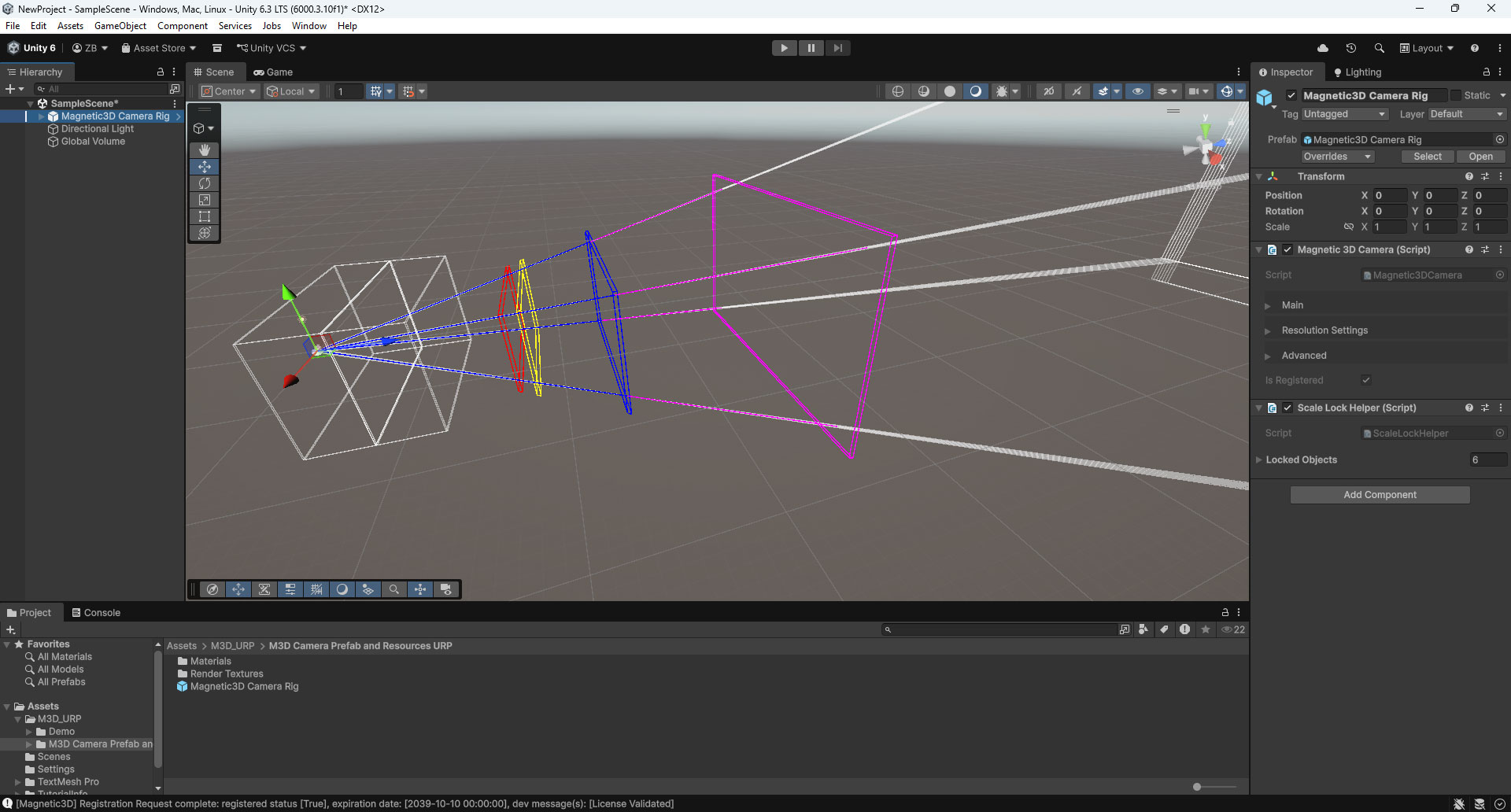
Drag the Magnetic3D Camera Rig prefab into your scene Hierarchy. Remove any other cameras, since this will be replacing them.