hypervue for unity
documentation & guide
installation
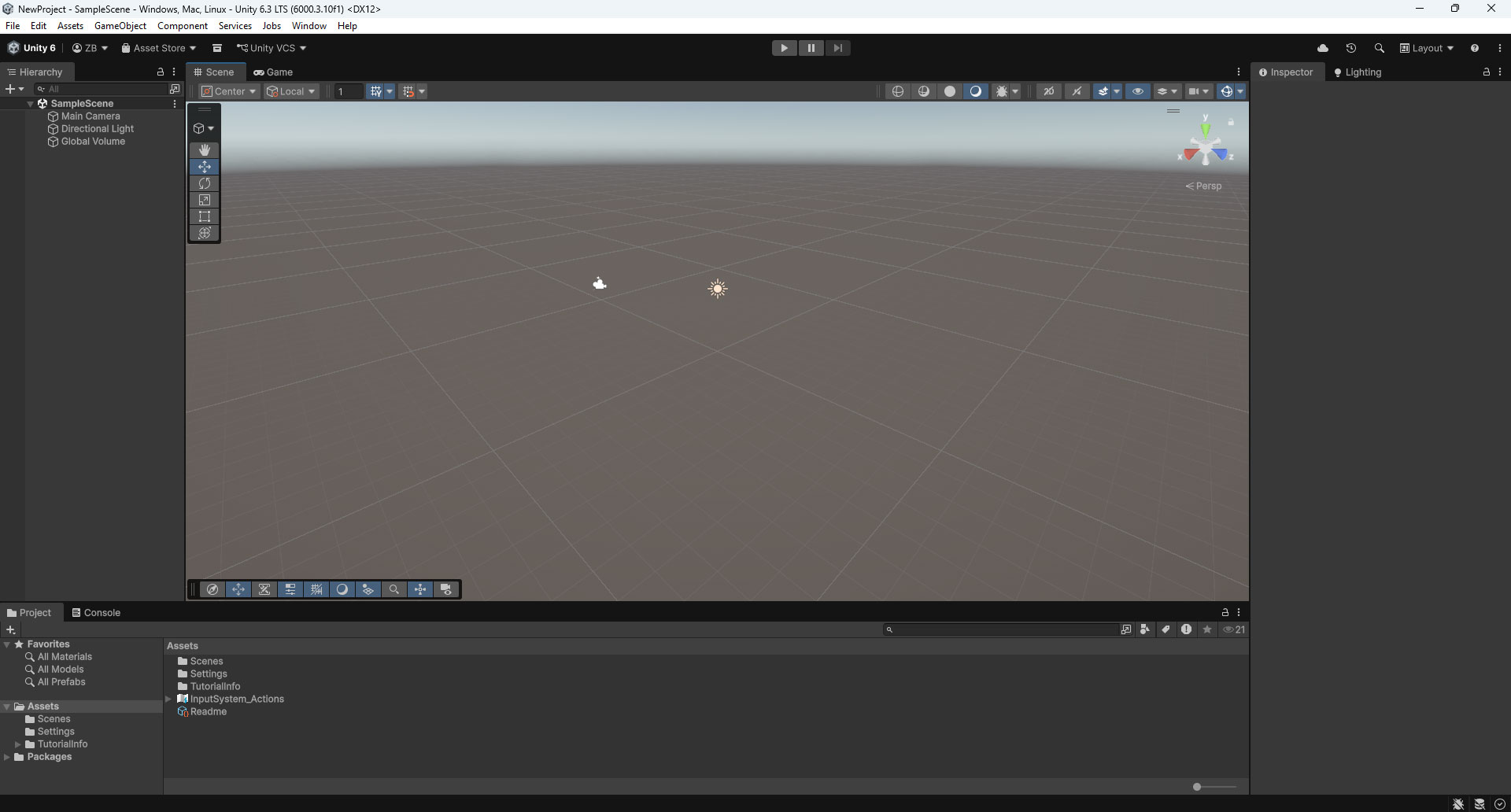
1. Open Unity Project
Open an existing Unity project, or create a new one in Unity Hub.
2. Open Package Manager
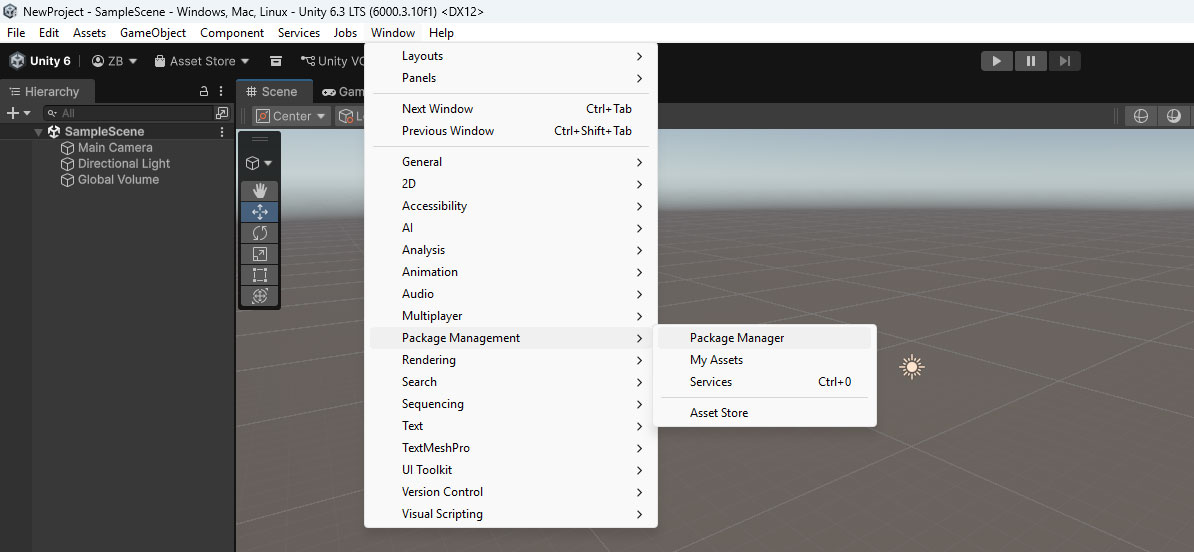
Go to Window -> Package Management -> Package Manager to open the Package Manager window.
3. Install Magnetic 3D Package
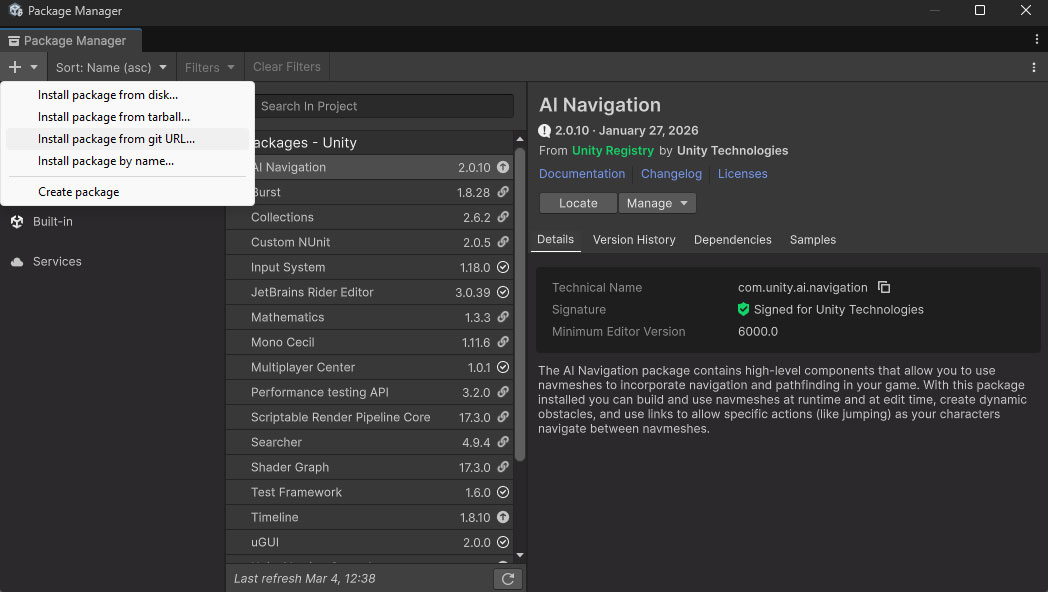
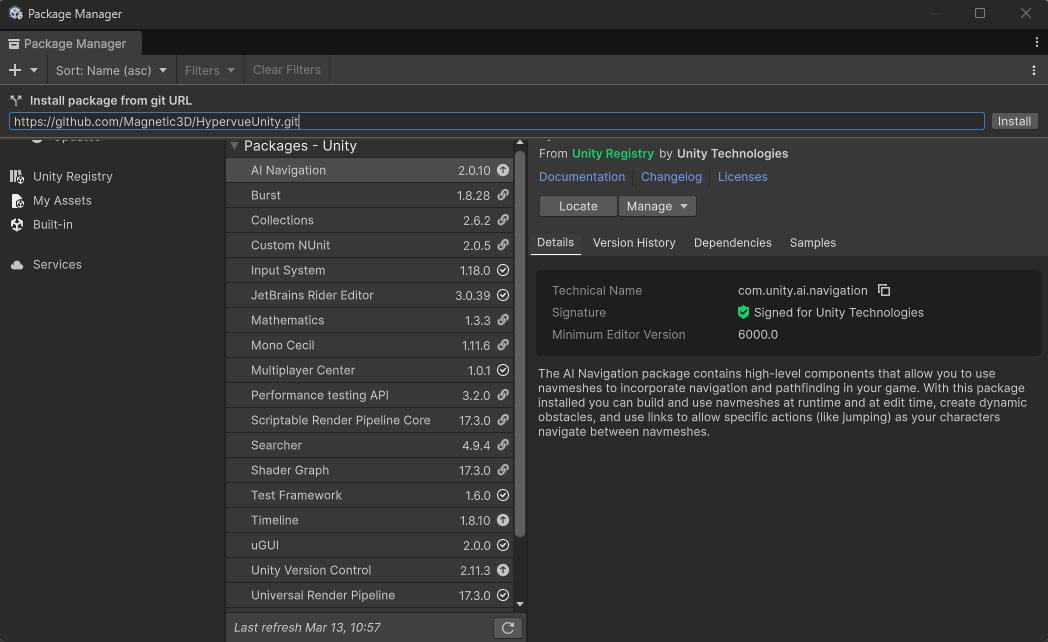
Click on the + icon in the top left corner of the Package Manager, and choose Install package from git URL.
4. GIT URL
https://github.com/Magnetic3D/HypervueUnity.gitEnter the git URL listed above and click Install to finish installing the package.
5. Finish
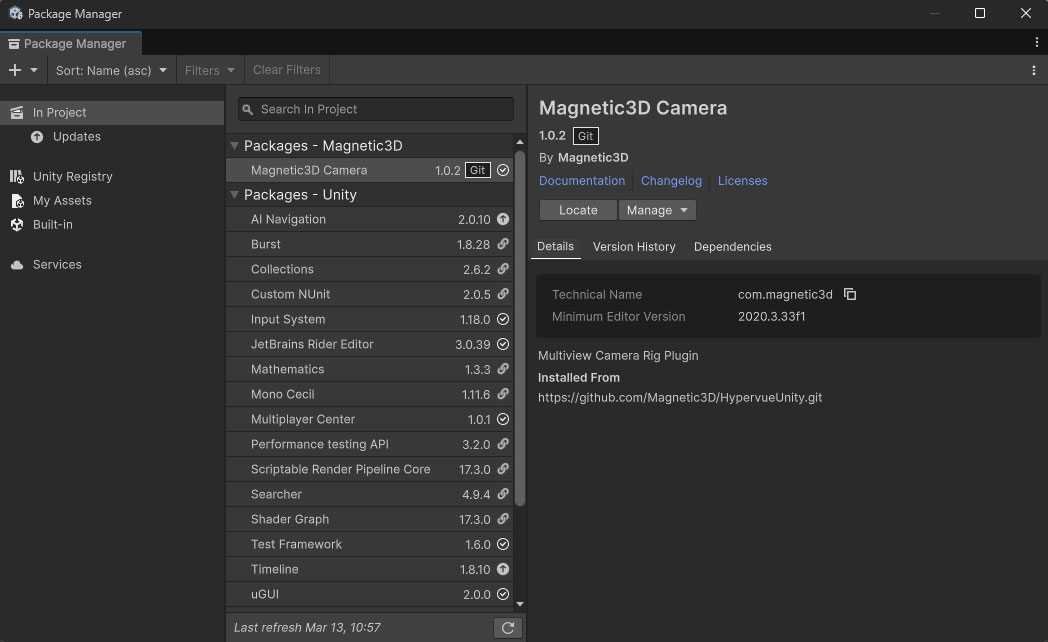
The Magnetic 3D Camera package should now be installed in your project. You can now close the Package Manager.