Hypervue for unity
documentation & guide
system requirements
Minimum and recommended computer specs for using the Unity plugin and apps created with it.
license & assets
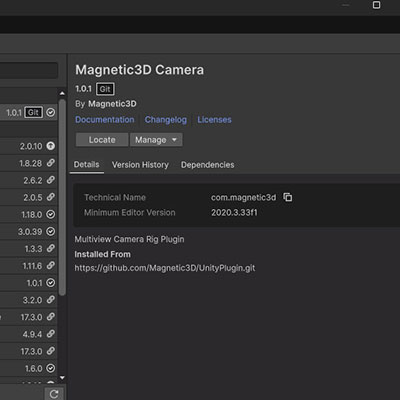
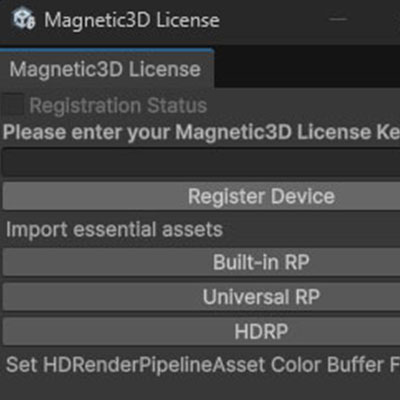
Setting up your license key to allow for full capabilities, and importing the essential assets to your project.
project setup
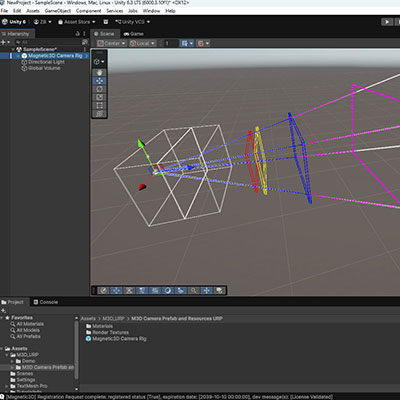
Setting up a project once you have the plugin installed and essential assets imported.
visual guides
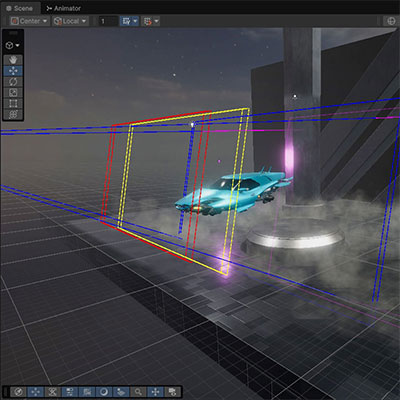
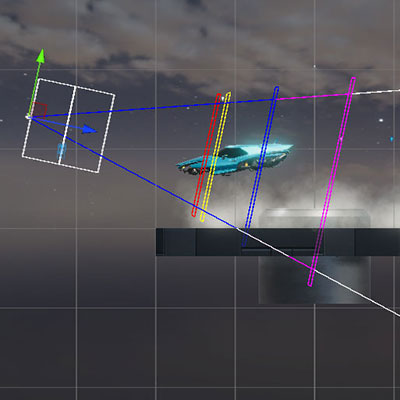
Tips for using the visual guides for object placement in 3D space, to achieve the best 3D effect.
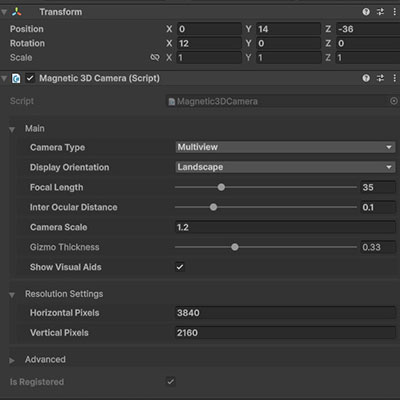
camera rig
Overview of the various settings on the Magnetic 3D Camera Rig, and their effect on your scene.