hypervue for Blender
documentation & guide
rendering
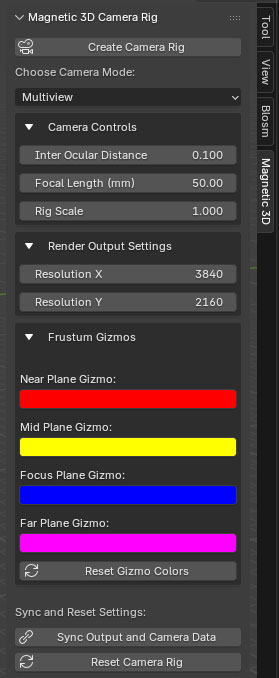
1. Sync Output & Camera Data
Before rendering, make sure to press the Sync Output and Camera Data button in the Magnetic 3D tab. This ensures all cameras have the same settings and data.
2. Render Image or Animation
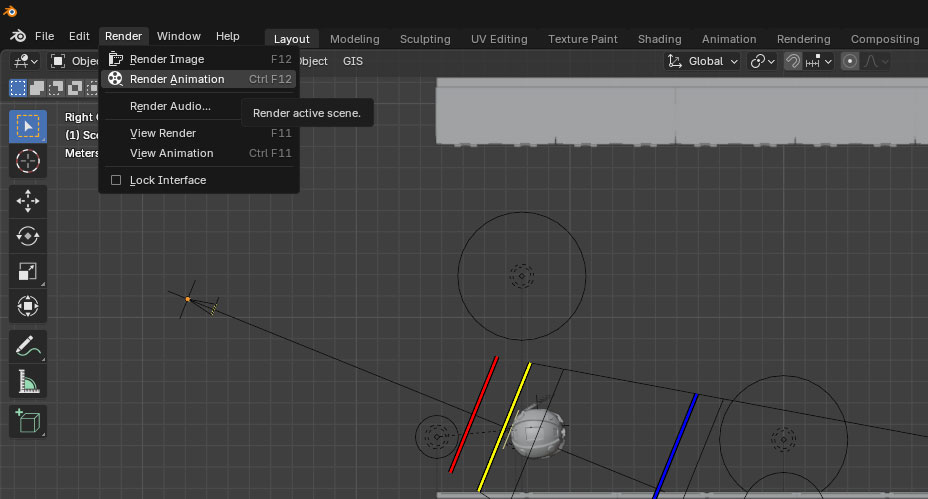
Go to Render -> Render Image or Render -> Render Animation to render your scene.
3. Finish
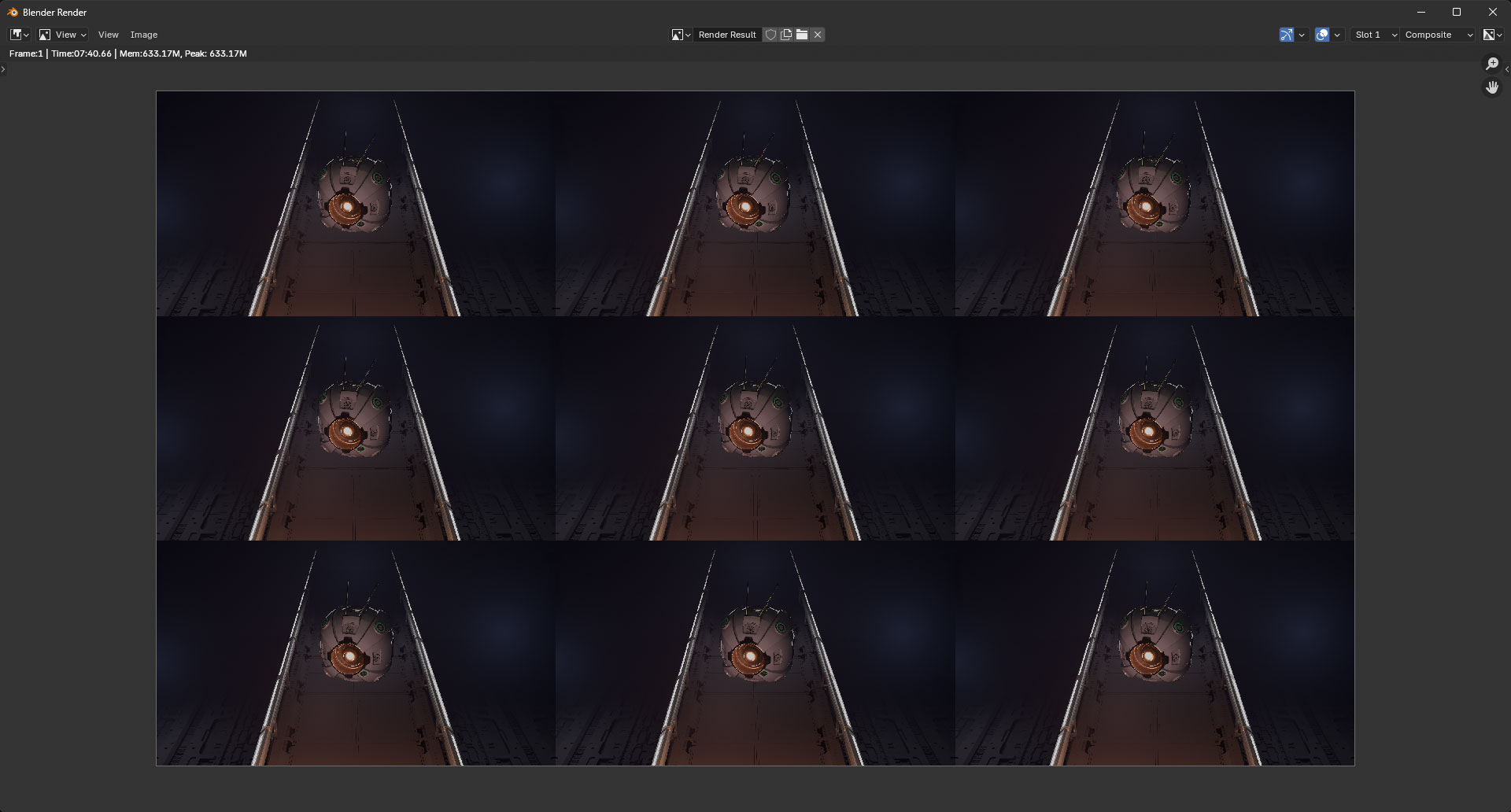
Your scene will render in the 3D Camera Mode that was selected in the Magnetic 3D tab.