Hypervue for blender
documentation & guide
Project Setup
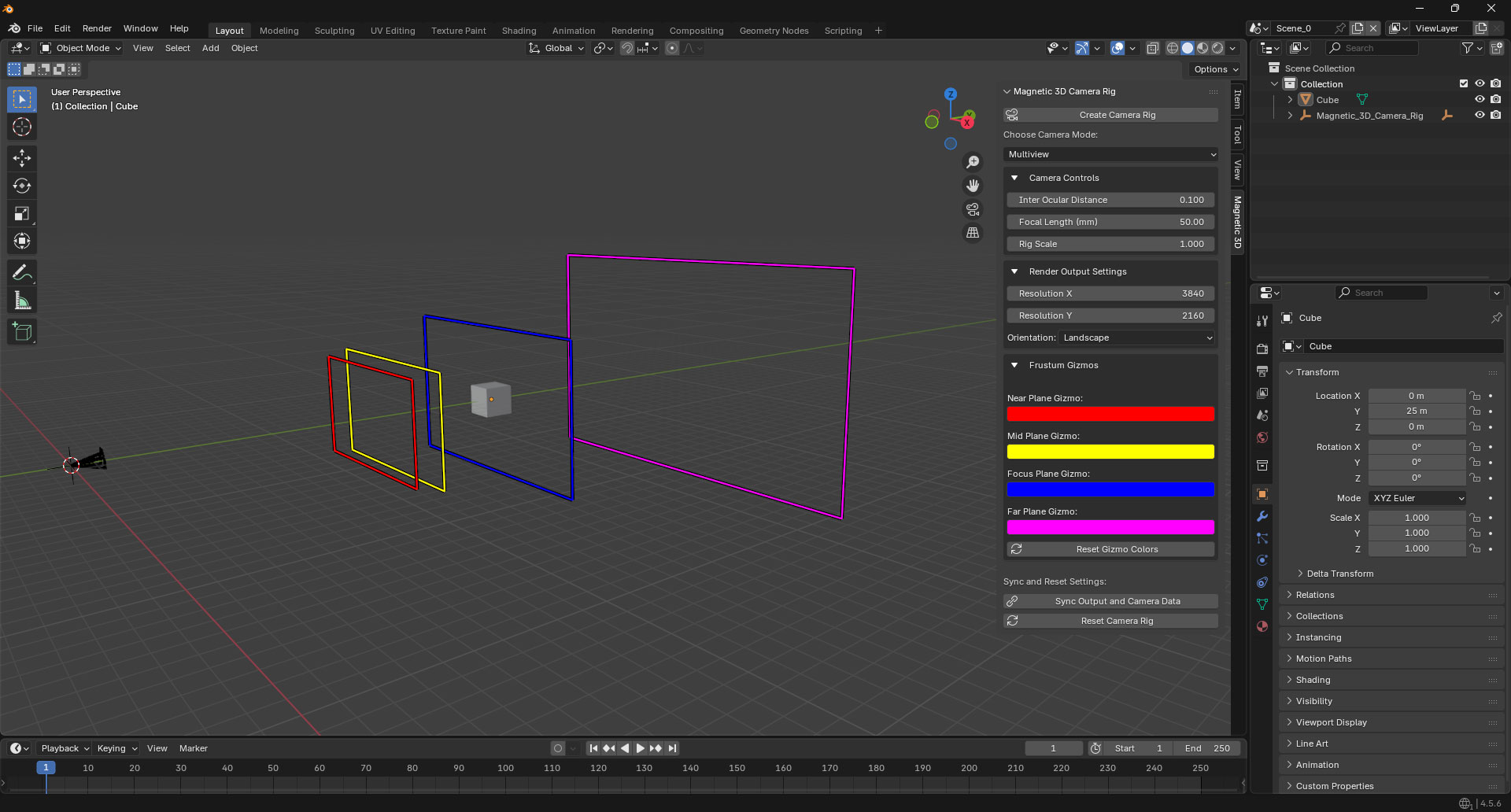
1. Open Magnetic 3D Panel
On the side panel, find the Magnetic 3D tab. Press the N key to unhide the side panel if it is not visible.
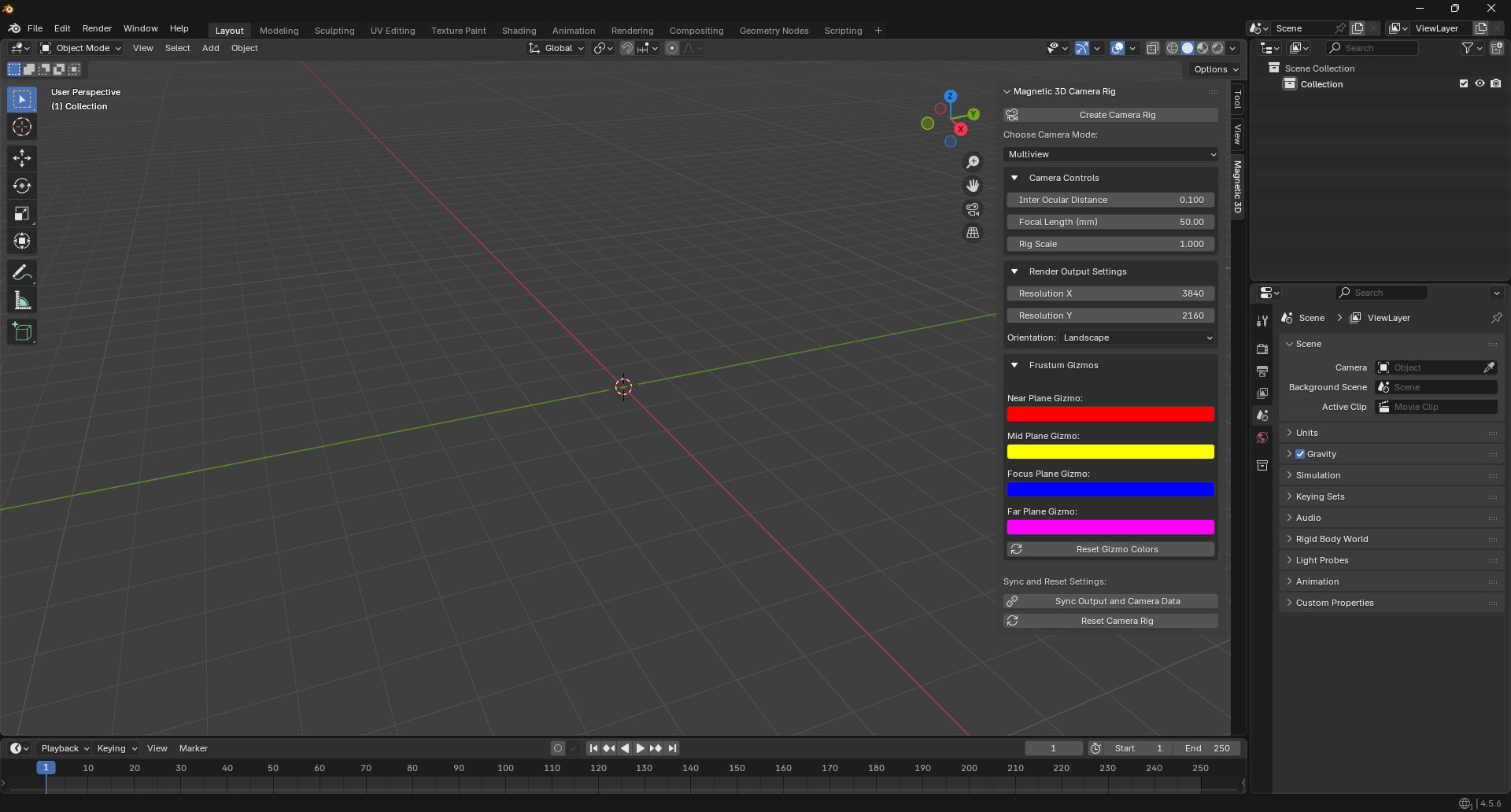
2. Create Camera Rig
At the top of the Magnetic 3D tab, press the Create Camera Rig button to create a new 3D camera rig in your scene.
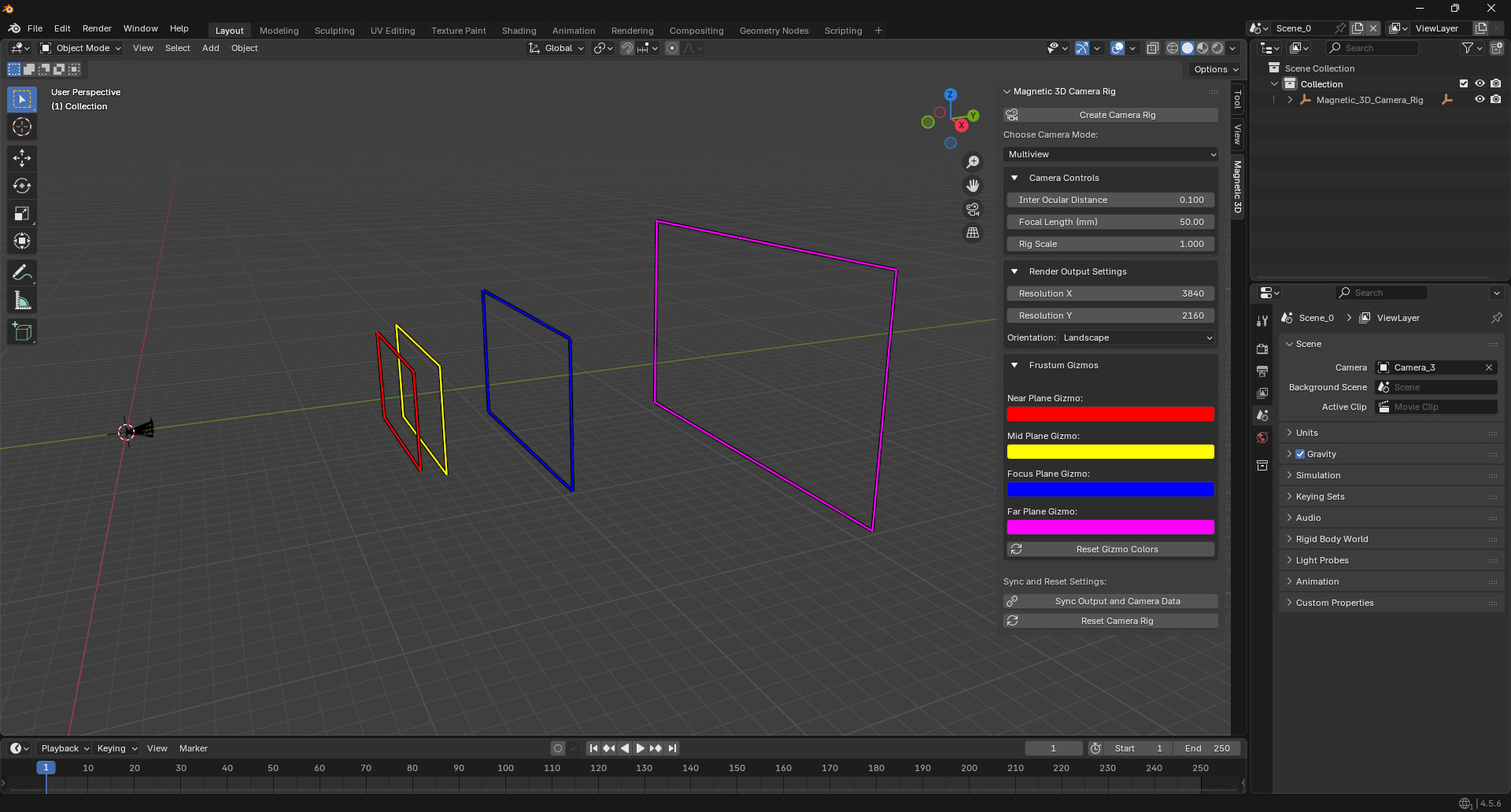
3. Finish
You can now place 3D objects in your scene within the boundaries of the camera rig.